Before You Upload a Contract: A 5-Point Security Checklist for Online Converters
Not all free online converters are built the same. Here are five concrete technical safeguards we built into FileZest — and what you should check before uploading private files anywhere.
What Actually Happens When You Upload a File Online?
Most people treat online converters like a black box: drop a resume or bank statement, grab the PDF, and move on. Unfortunately, sketchy converter sites have a history of keeping files in misconfigured buckets, bundling adware into "helper extensions", or skipping basic server-side validation recommended by the OWASP File Upload Security Cheat Sheet.
5 Concrete Safeguards to Look For
At FileZest, we treat every uploaded document as confidential and build privacy into every step:
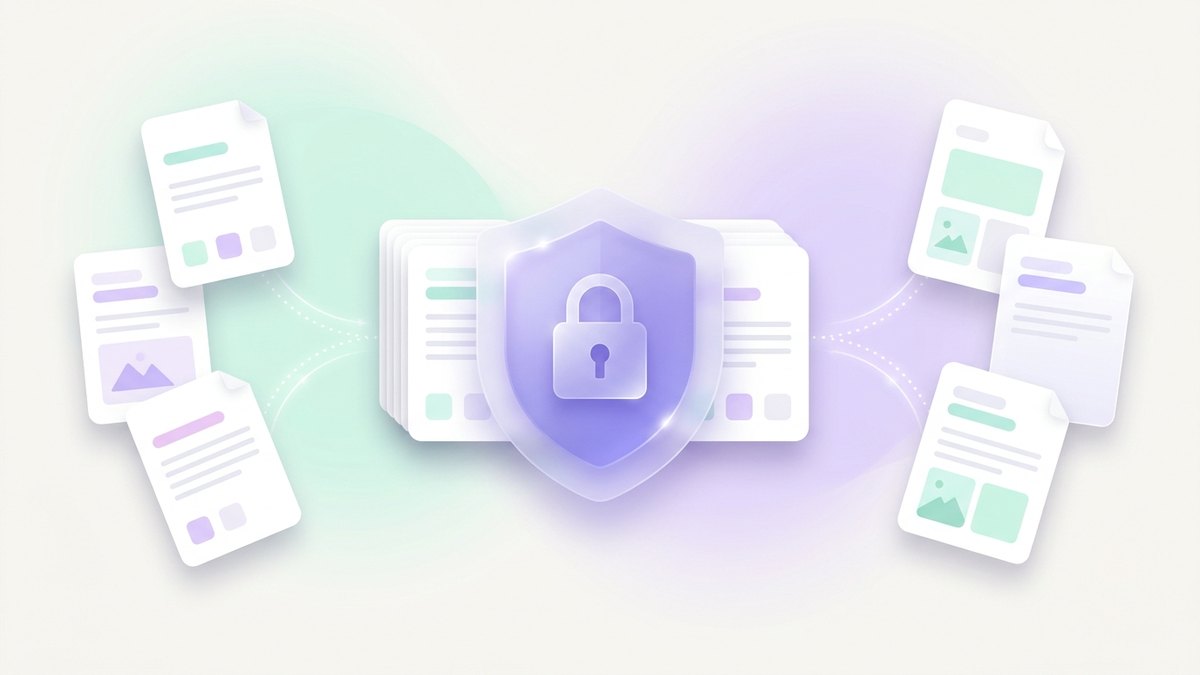
- Ephemeral isolated processing: Every conversion runs in a temporary workspace that is wiped immediately once your file is ready — nothing is kept in long-term storage.
- Strict file verification: Every upload is checked for valid structure, format integrity, and safe size caps before processing.
- Safe browser isolation: Pages and generated downloads follow strict modern browser security protections.
- Strong PDF password protection: Our Encrypt PDF tool locks sensitive files with modern encryption before you email or archive them.
- Zero installers or browser extensions: Everything works right inside your browser — whether you are using DOCX to PDF, PDF to DOCX, or Image to WebP.
Always double-check that the website URL uses HTTPS and avoid any converter that asks you to install a browser extension or desktop downloader.
Ready to try it yourself?
Protect sensitive documents with strong encryption before sharing or archiving.