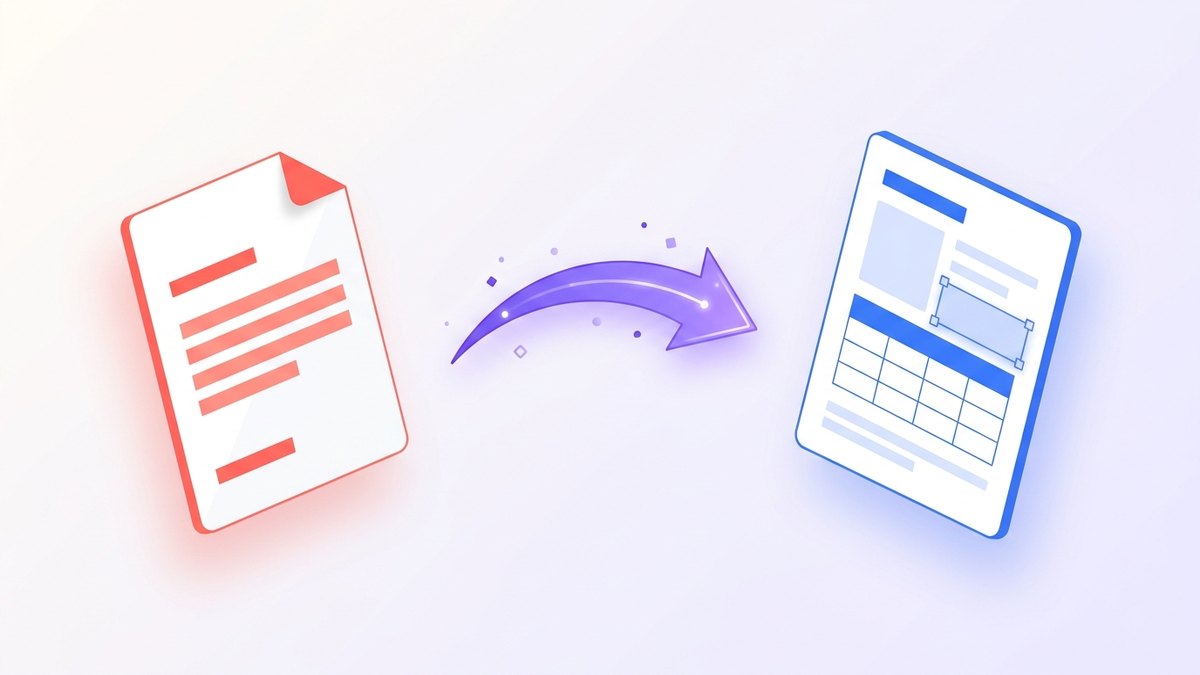
Splitting, Merging, and Password-Protecting PDFs Without Paid Desktop Apps
You should not need a $20/month desktop PDF suite just to merge three invoices, pull out two pages, or put a password on a tax form.
1. Merging Multiple PDFs Into One Clean Packet
Sending a recruiter or accountant five separate files named scan1.pdf, cover.pdf, and receipt_final2.pdf guarantees something gets overlooked. With Merge PDFs, you can drop up to 30 PDFs at once, inspect the file list, remove mistakes, and combine them into one clean document.
2. Splitting Heavy PDFs Without Re-Printing
Many corporate email servers still bounce attachments over 10–20 MB. Instead of compressing your pages until the text turns unreadable, use Split PDF to break a long manual into smaller chunks (1 page per file, or groups of 2, 5, or 10 pages) delivered in a neat ZIP archive.
3. Locking Sensitive Files With Password Protection
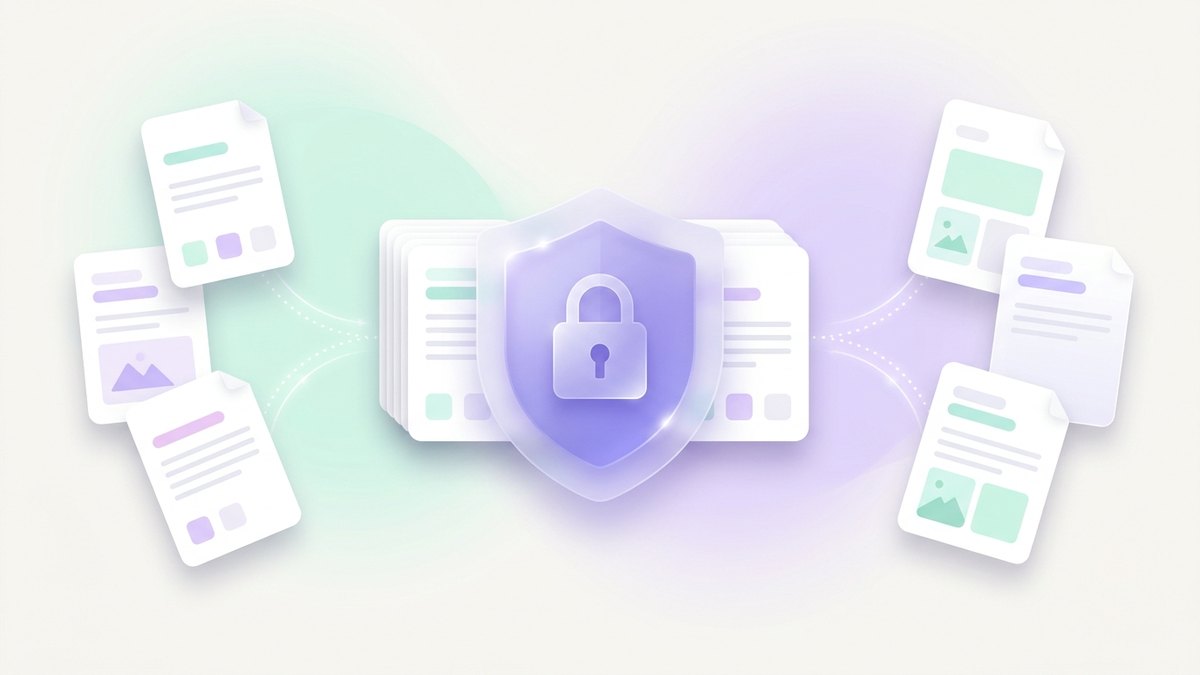
Plain PDFs can be opened by anyone who gets access to an email thread or shared folder. FileZest's Encrypt PDF tool locks your document with modern, industry-standard encryption aligned with NIST security guidelines.
- Use a passphrase of at least 12 characters (three or four unrelated random words work great).
- Send the encrypted PDF by email, then text or message the passphrase via a separate channel (SMS, Signal, Slack).
- Need to bundle the PDF with minimal fuss? Wrap it cleanly with PDF to ZIP.
Security reminder: Never put the PDF password in the same email body as the encrypted attachment — if someone compromises the email thread, the password sits right next to the file.
Ready to try it yourself?
Lock confidential PDFs with a strong password before sending them over email or cloud drives.